Influencer search
Describe who you need and find matching TikTok and Instagram creators. Narrow the results with filters and check each profile's stats
14-day free trial · No credit card required
Find creators who fit your brief
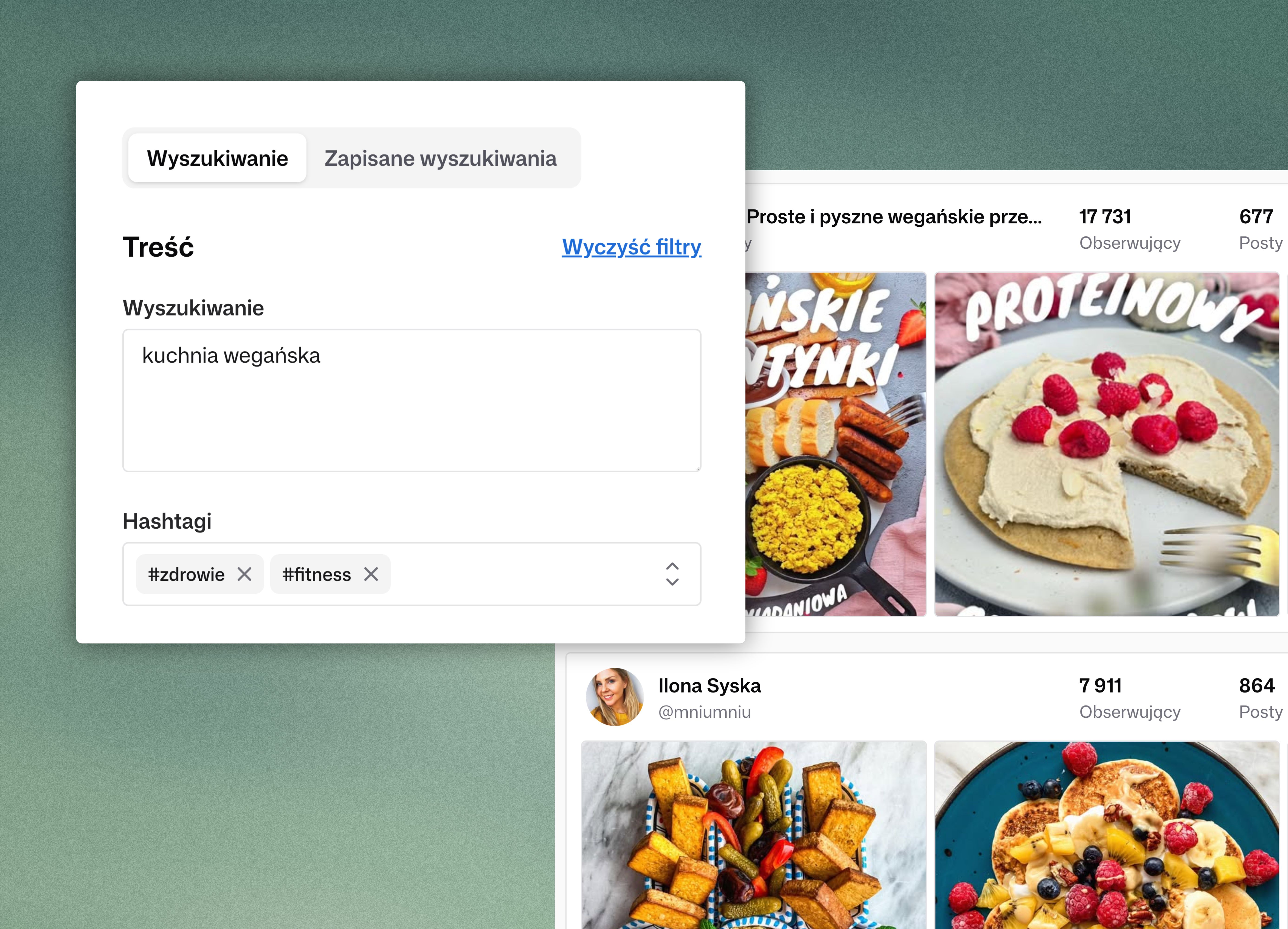
Start with your brief
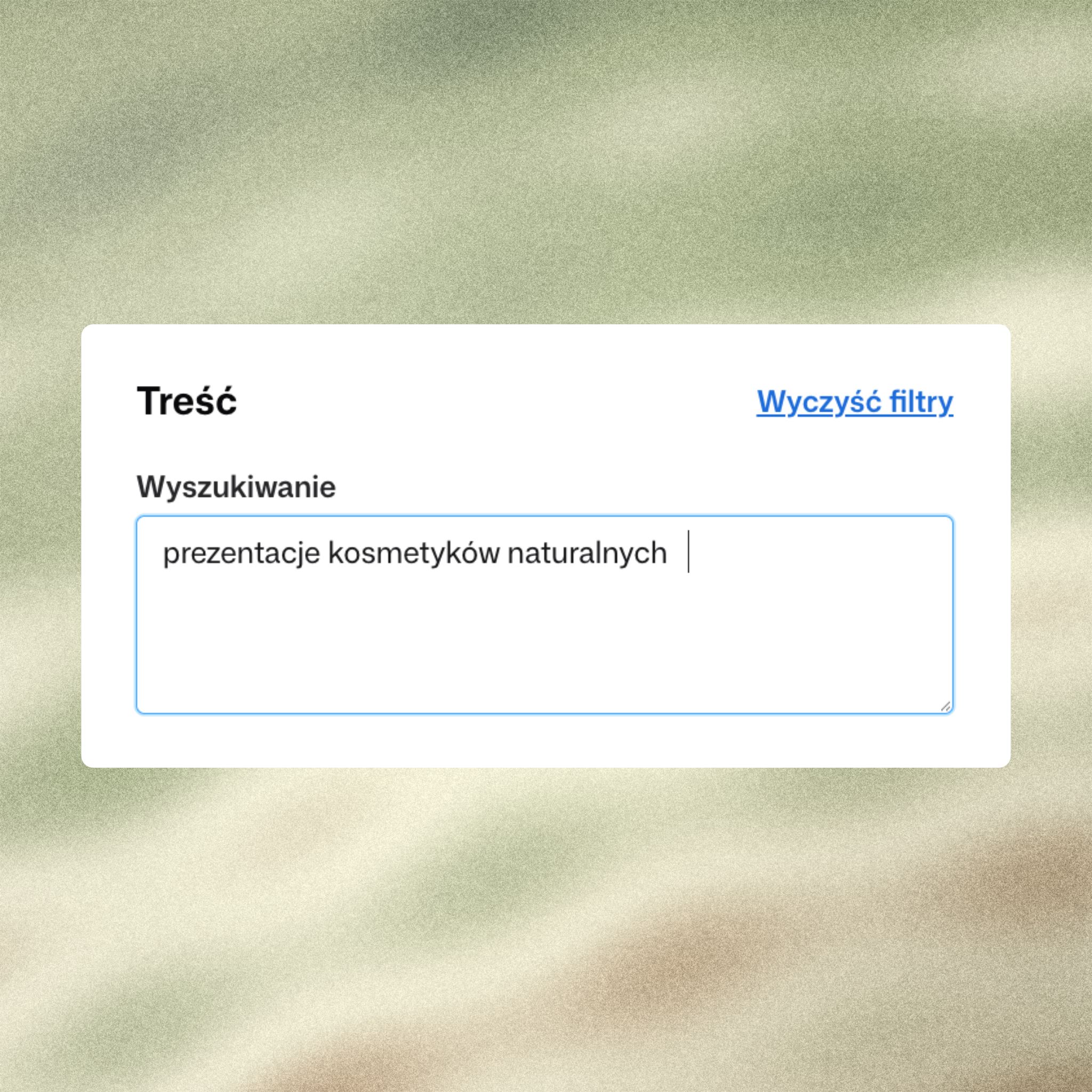
Describe the campaign topic, audience, and content you need. Rufka finds creators who fit that description.
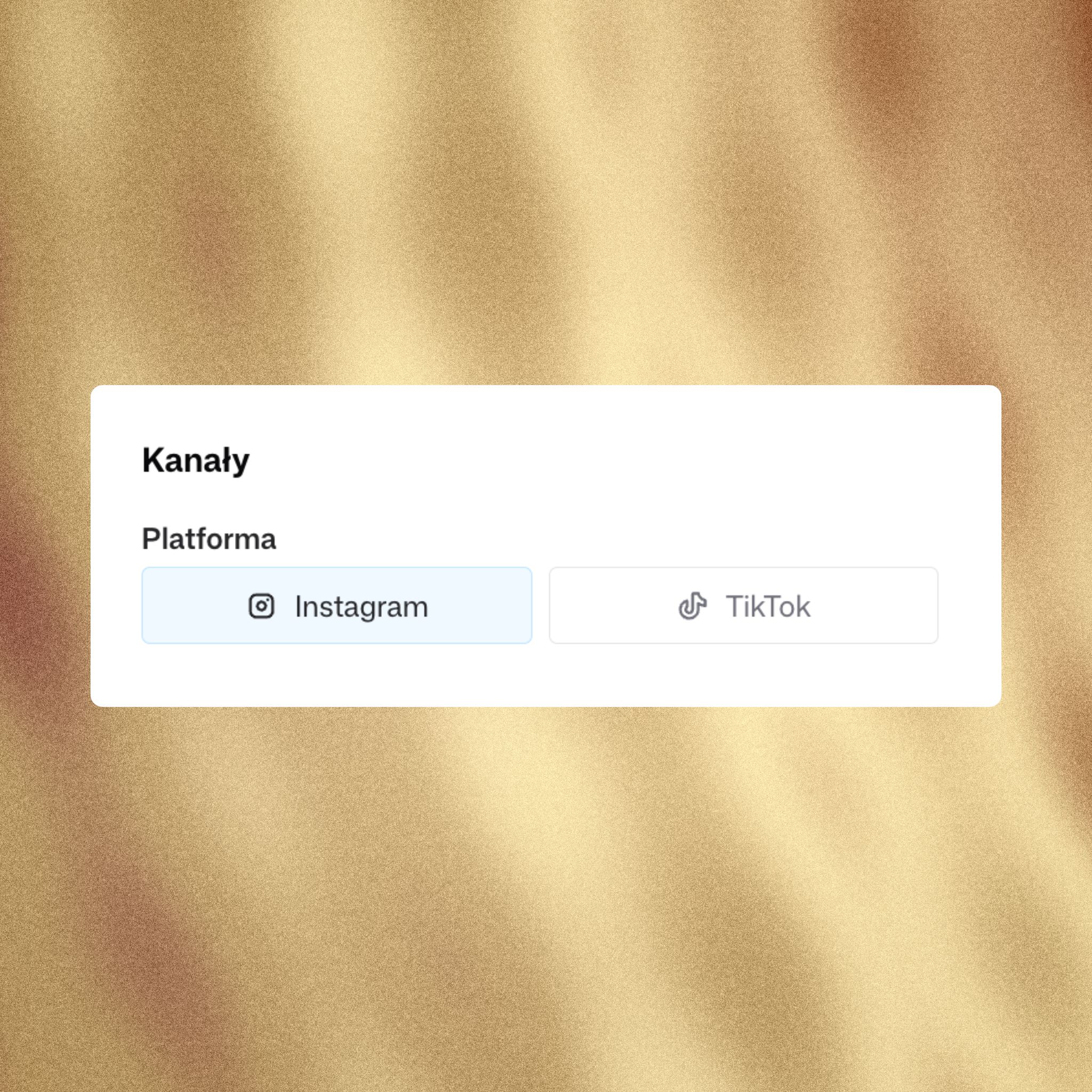
Search across platforms
Search TikTok, Instagram, or both platforms at once.
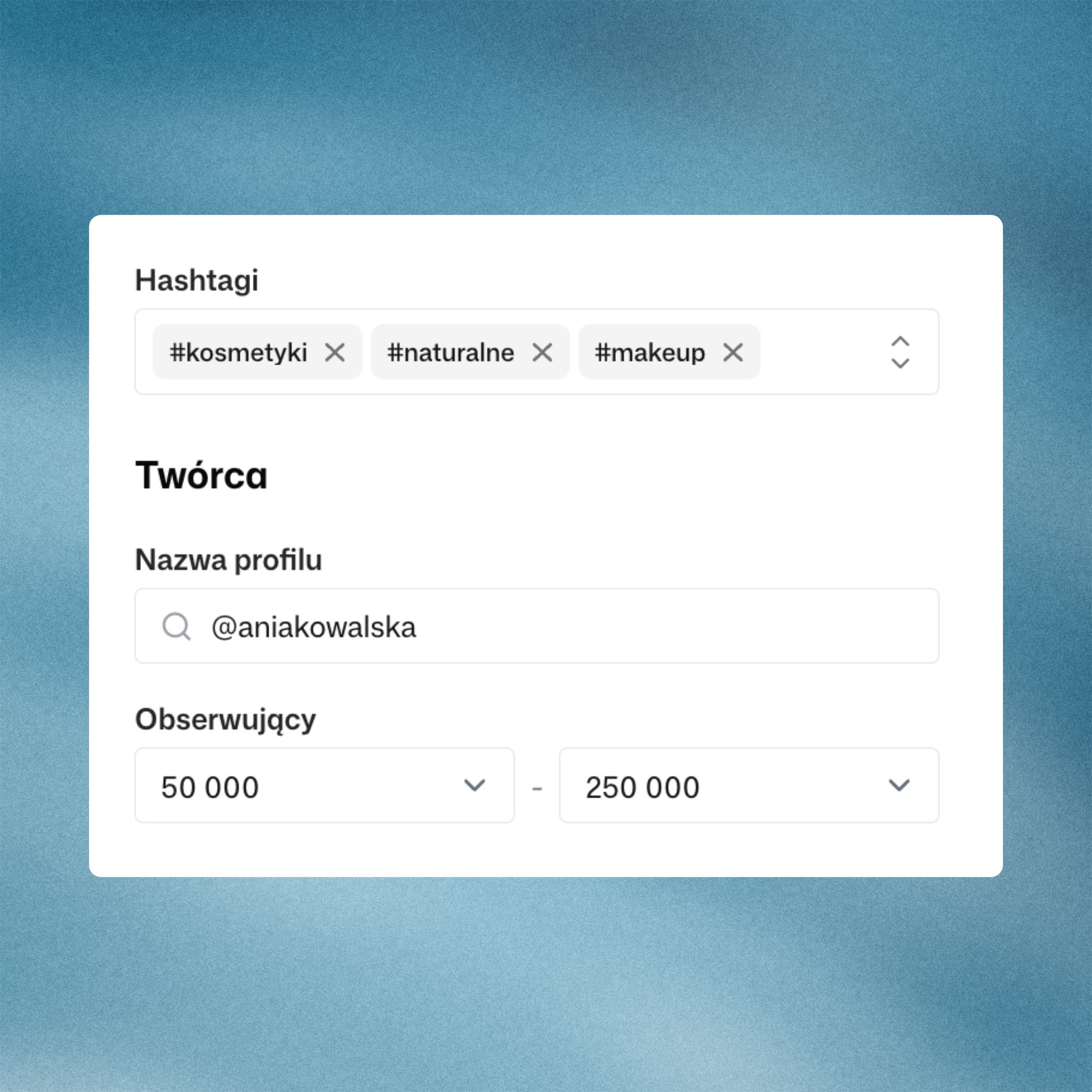
Focus your results
Set hashtags, a profile name, or a follower range.
Search for your campaign needs
Start free trialProduct launches
Find creators who post about your product category and reach the audience you need.
Niche communities
Describe a topic your audience cares about, such as skincare or hiking.
Client projects
Review TikTok and Instagram creators using each client’s brief.
Search in your own words
Describe the campaign topic, audience, and content you need. Rufka matches profiles to your description even when creators use different words.
Profile data is described on the influencer database page.
- Write a brief in your own words
- Narrow the results with filters
- Review content and creator stats

Influencer search vs. spreadsheets
How finding creators with the Rufka influencer search compares to checking profiles by hand and tracking them in a spreadsheet
| Rufka | Manual and spreadsheets | |
|---|---|---|
| Finding creators | One search across TikTok and Instagram | Browsing hashtags in each app separately |
| Matching the brief | Describe the campaign in your own words and Rufka searches by meaning | Guessing the keywords and hashtags creators might use |
| Filtering | Platform, hashtags, profile name, and follower range | Sorting and deleting spreadsheet rows by hand |
| Profile stats | Followers, posts, and engagement in one view | Copying numbers from every profile into the sheet |
| Creator decisions | Mark each creator as a fit, maybe, or pass | A status column everyone fills in differently |
| Teamwork | Shared campaign lists for the whole team | Emailing the file and tracking which version is current |
| Client handoff | Export a finished list to CSV | Copying data into a new file for every client |
Frequently asked questions
Which platforms can I search for influencers on?
Rufka searches creator profiles on TikTok and Instagram. You can search one platform or both at once, and results from both apps appear in a single list. That makes it easier to compare creators who post about the same topic in different places.
How does the Rufka influencer search work?
You write your brief in your own words and Rufka matches creators to its meaning, not just to individual keywords. You then narrow the results with filters, open each creator's profile, and save the ones you want to a campaign list.
Do I need to use exact keywords?
No. The search matches creators to the meaning of your description, so it finds profiles even when creators describe their content in different words. If you need a specific phrase, you can add the hashtag filter as well.
What should I write in my search?
Describe the topic, audience, and type of content you need. For example: skincare creators who explain simple routines for beginners. The more specific your brief, the more relevant the results, which you can then narrow with filters.
Which filters are available?
You can choose a platform, add hashtags, search for a specific profile name, and set a follower range, for example from 50,000 to 250,000. Filters work together with your brief, so you first get matching creators and then remove the ones that don't fit your campaign's reach.
Do I need to know specific hashtags?
No. Describing your brief in your own words is enough to find matching creators. Hashtags are an extra filter that helps when a campaign is tied to a specific promotion, event, or brand.
Can I review a creator before adding them to a list?
Yes. From the results you can open a creator's profile with their content and stats, such as followers, posts, and engagement. Once you've reviewed them, mark them as a fit, maybe, or pass and add them to a campaign list.
Can I work on creator lists with my team?
Yes. Campaign lists are shared with your whole team, so everyone sees the selected creators and the decisions made. There's no need to email files or keep track of which version of the list is current.
Can I export a creator list?
Yes. You can export a finished creator list to CSV. This is useful when you share a shortlist with a client or someone without a Rufka account.
How much does the influencer search cost?
The price depends on your team size and how many profiles you open each month. Searches and creator lists are unlimited on every plan, and you'll find current prices on the pricing page.
Can I try Rufka for free?
Yes. After you sign up, you can use the search free for 14 days without entering a credit card. That gives you time to check whether the results fit your campaigns before you choose a plan.
See who fits your campaign
Save your chosen profiles and review them with your team
14-day free trial · No credit card required