Keep your chosen creators in one list
Save your chosen creators in campaign lists. Review profiles and decisions with your team.
14-day free trial · No credit card required
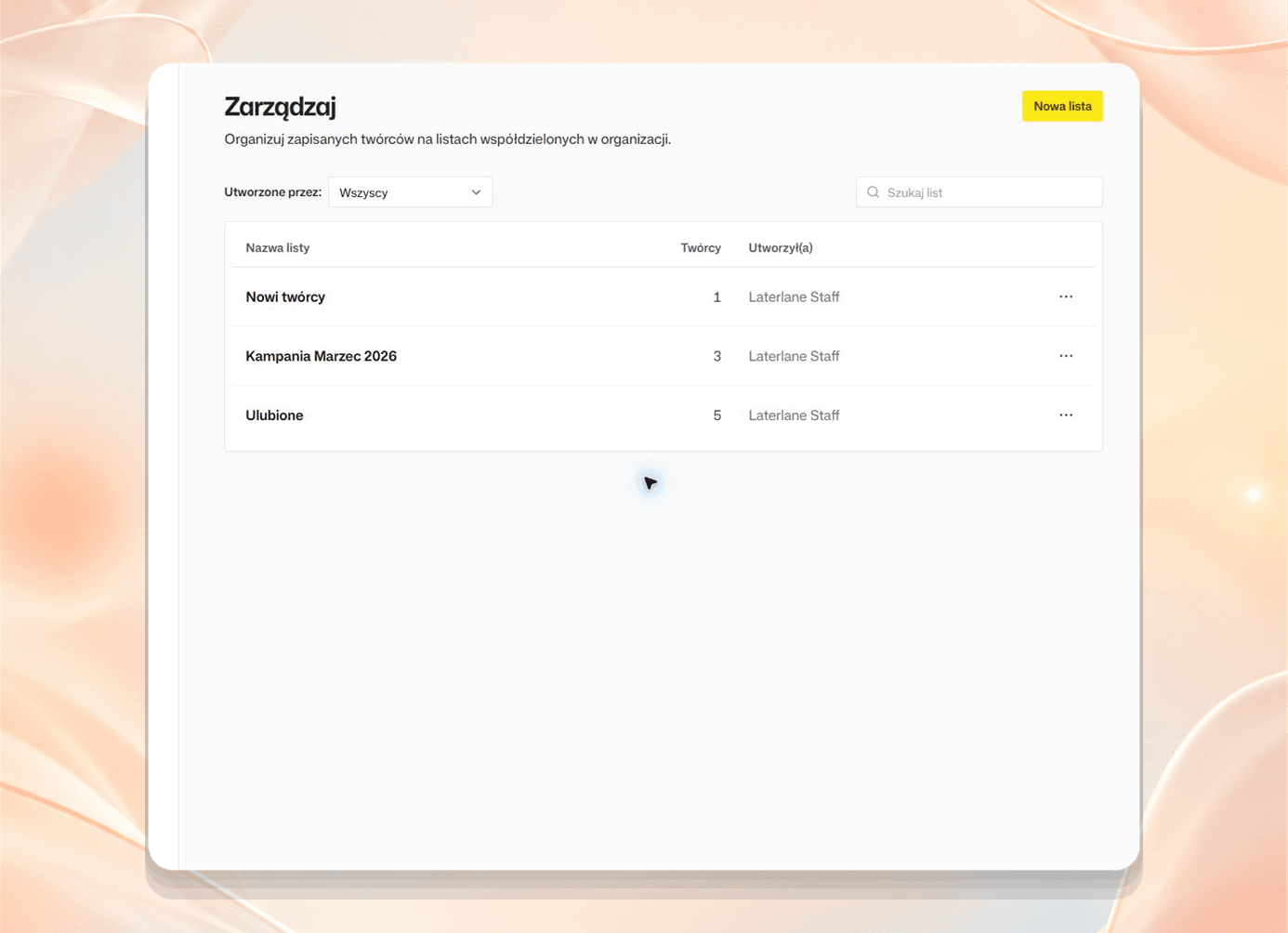
Prepare a list for your team
Save your chosen creators
Add creators to a list so you can return to their profiles later.
Organize your list
Check who fits the campaign, who needs another look, and who was ruled out.
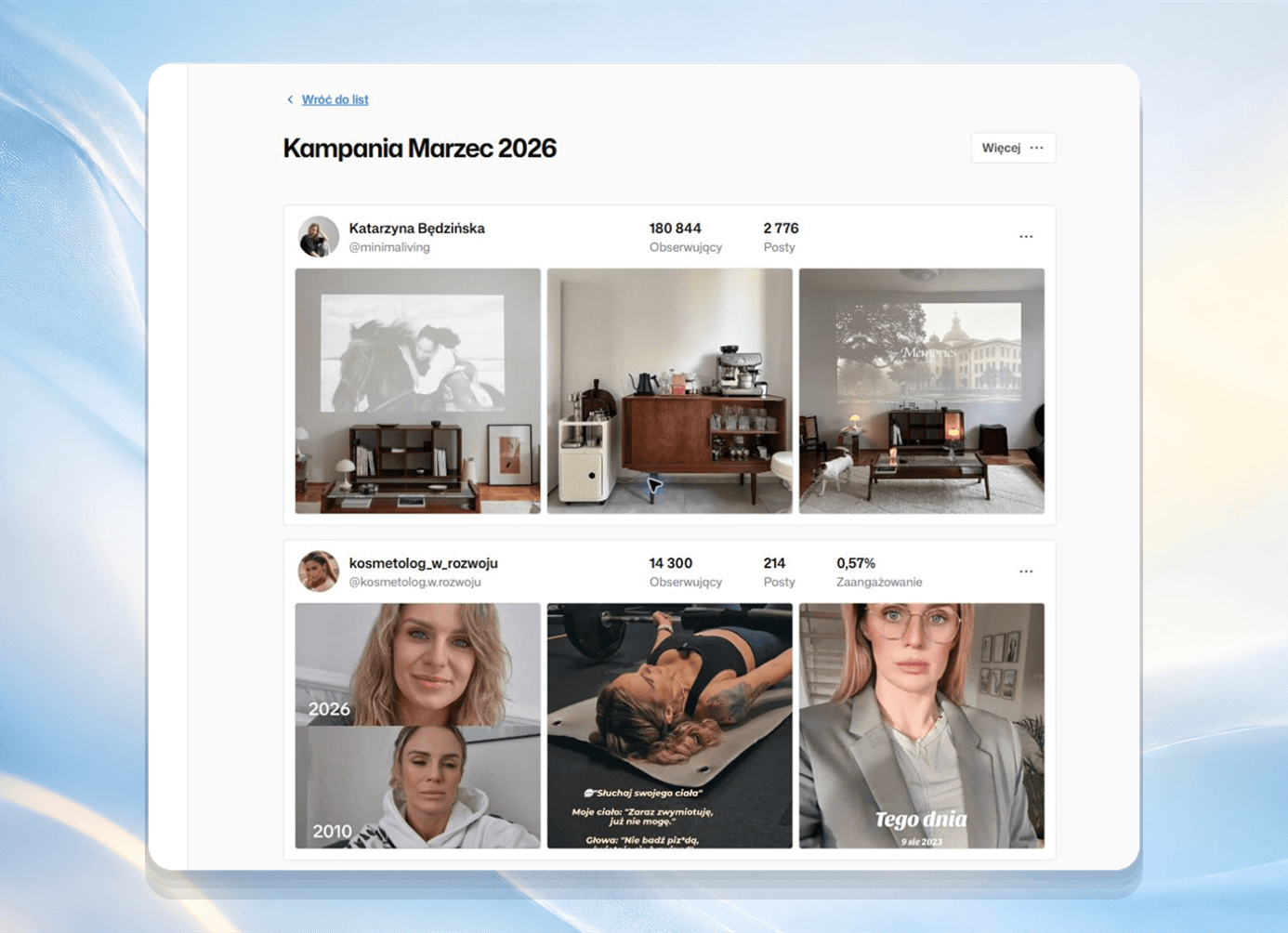
Work with your team
Review a shared list and discuss who to invite to your campaign.
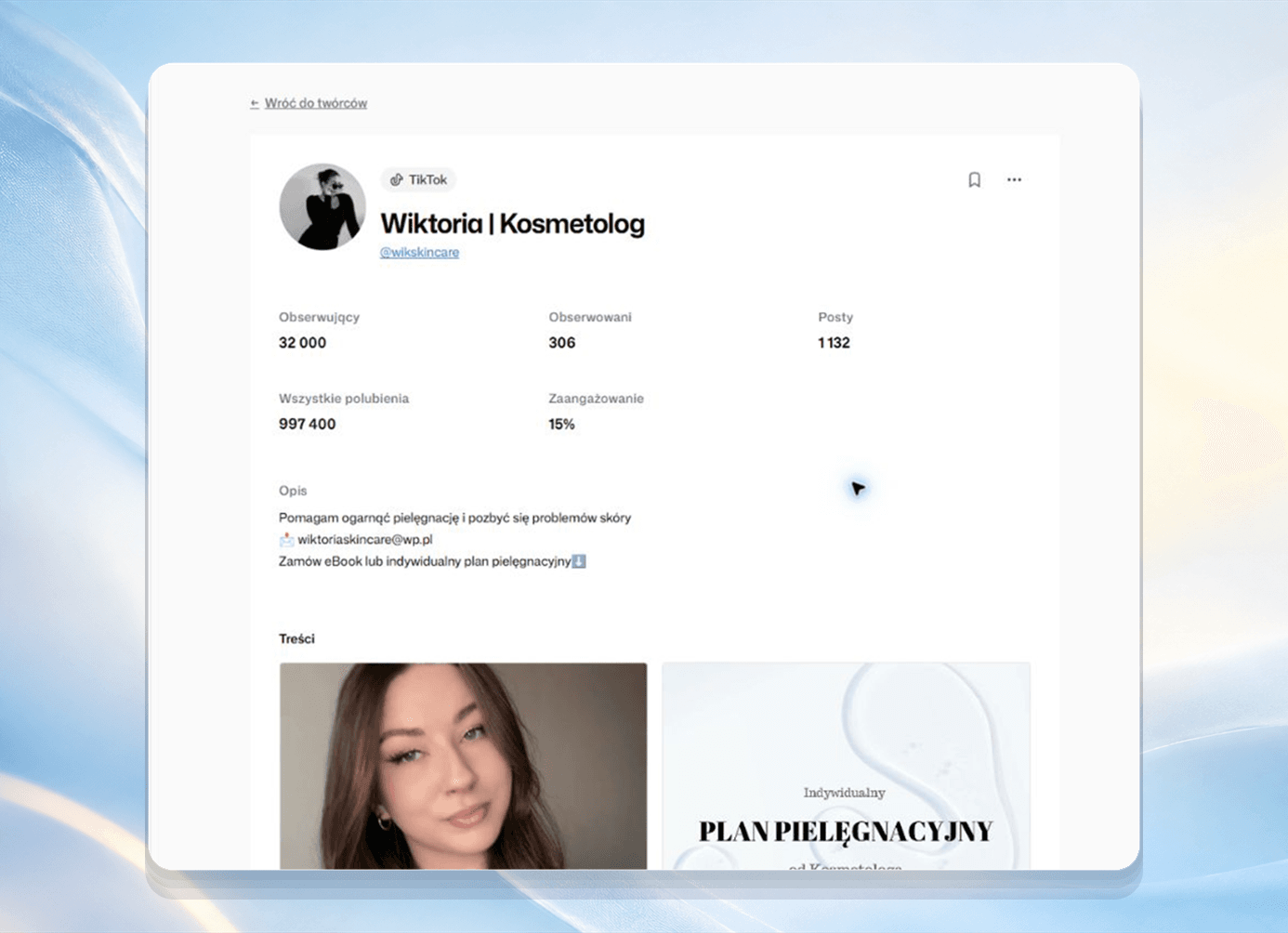
Organize creators by campaign
Start free trialCampaign planning
Save the creators you are considering for a campaign in one list.
Client lists
Create separate lists for clients and review them against each brief.
Collaborative selection
Review the list with your team and choose creators who fit the brief.
Return to saved profiles
Create separate campaign lists. Check saved profiles and decisions when you return to choosing creators.
- Save creators in campaign lists
- Review saved decisions
- Review the same list with your team
Frequently asked questions
What are creator lists for?
Save the creators you choose for a campaign in a list. Return to their profiles later and review them with your team.
Can my team work with the same lists?
Yes. People on your team can review shared lists and the selected profiles.
How do I mark selected profiles?
Save a decision on each profile: fit, maybe, or pass.
Where do the creators in a list come from?
Find TikTok and Instagram creators using Rufka’s search. Review a profile, then add the creator to a list.
Prepare a creator list for your campaign
Save your chosen profiles and review them with your team
14-day free trial · No credit card required