Review a creator before you work together
Review a creator’s posts and stats. Decide whether to invite them to your campaign.
14-day free trial · No credit card required
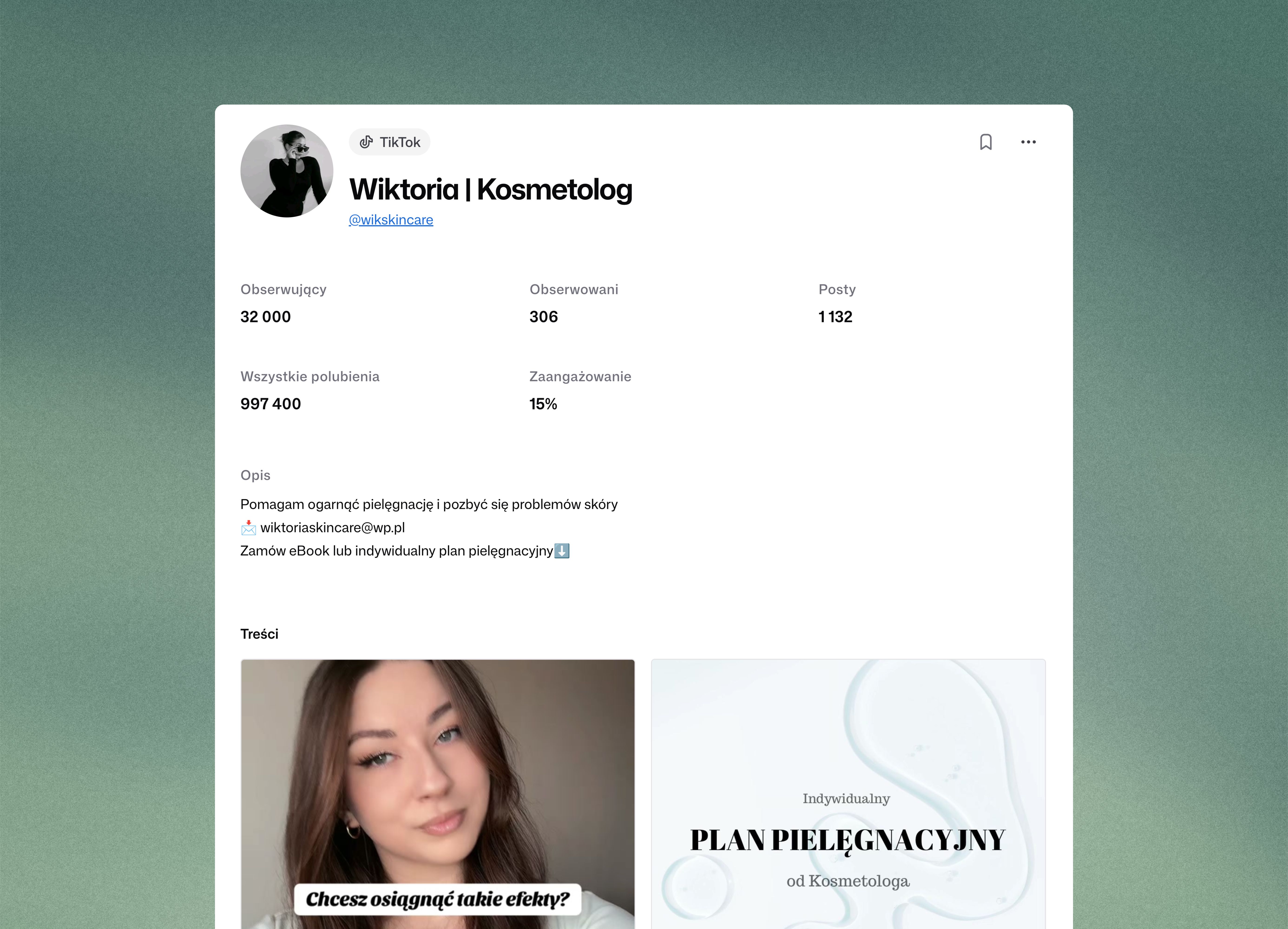
Check how well a creator fits your campaign
Open the profile
Open a creator’s posts and stats directly from the search results.
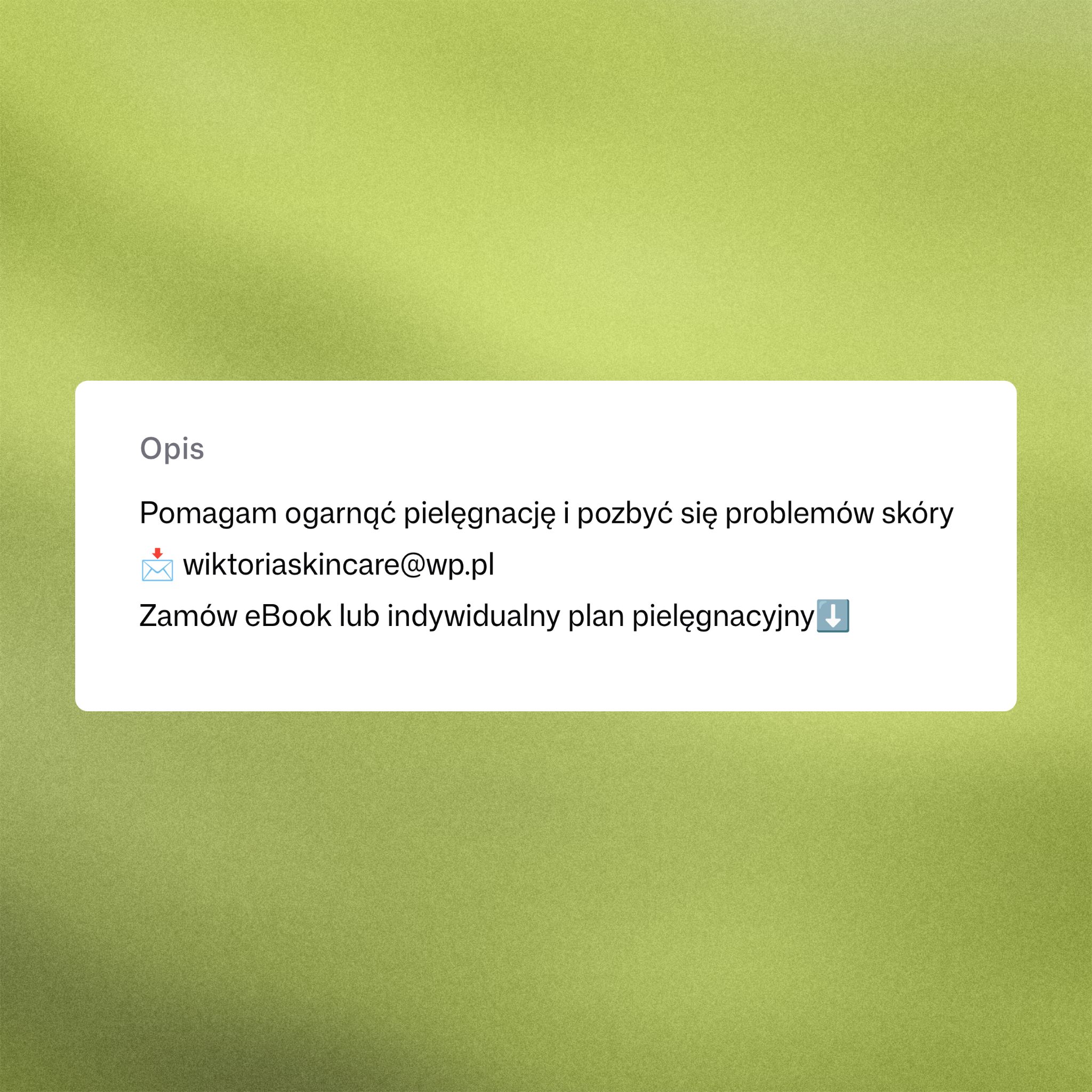
Evaluate campaign fit
Compare topics and posting style with your campaign requirements.
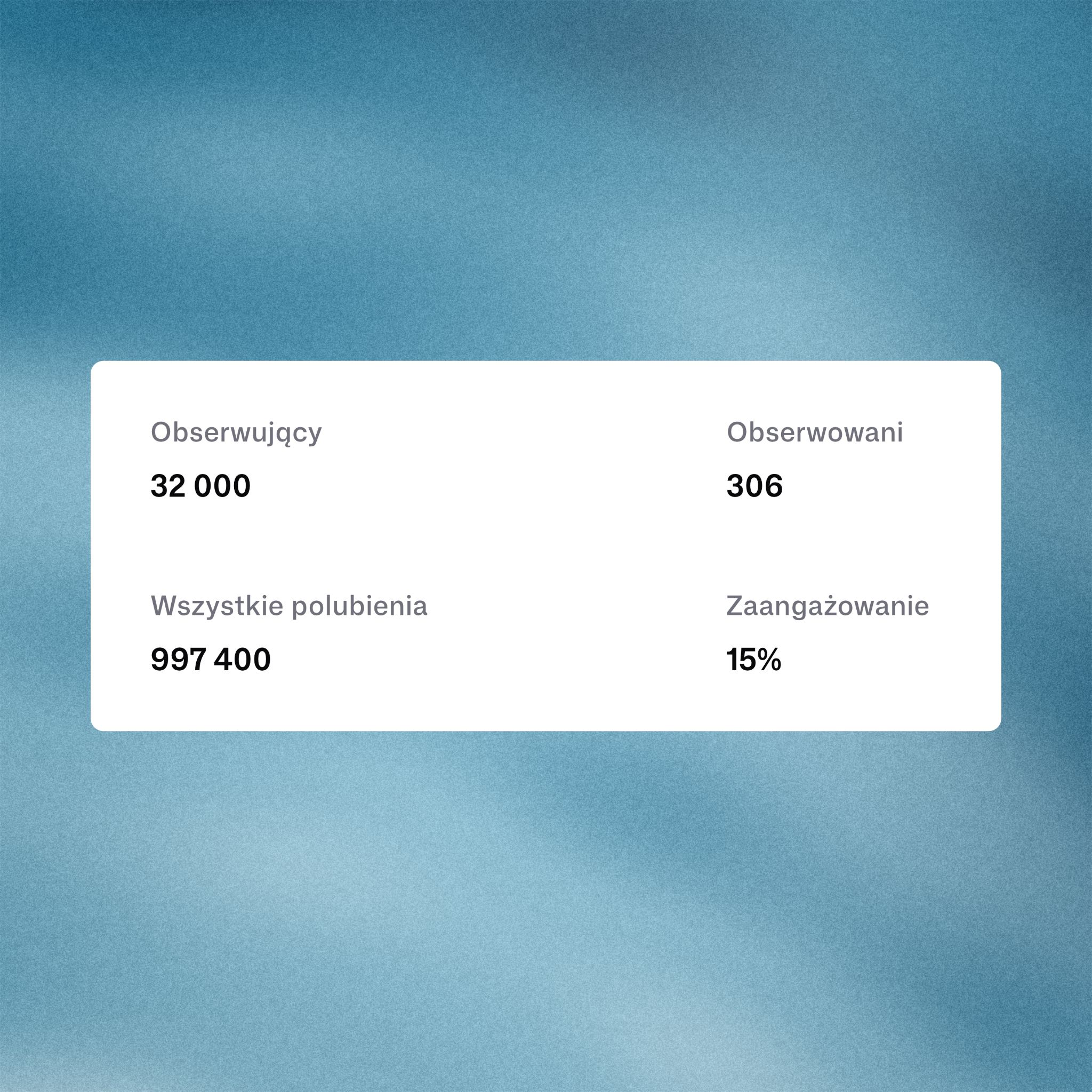
Save your decision
Mark a profile as a fit, maybe, or pass. The decision stays with the creator.
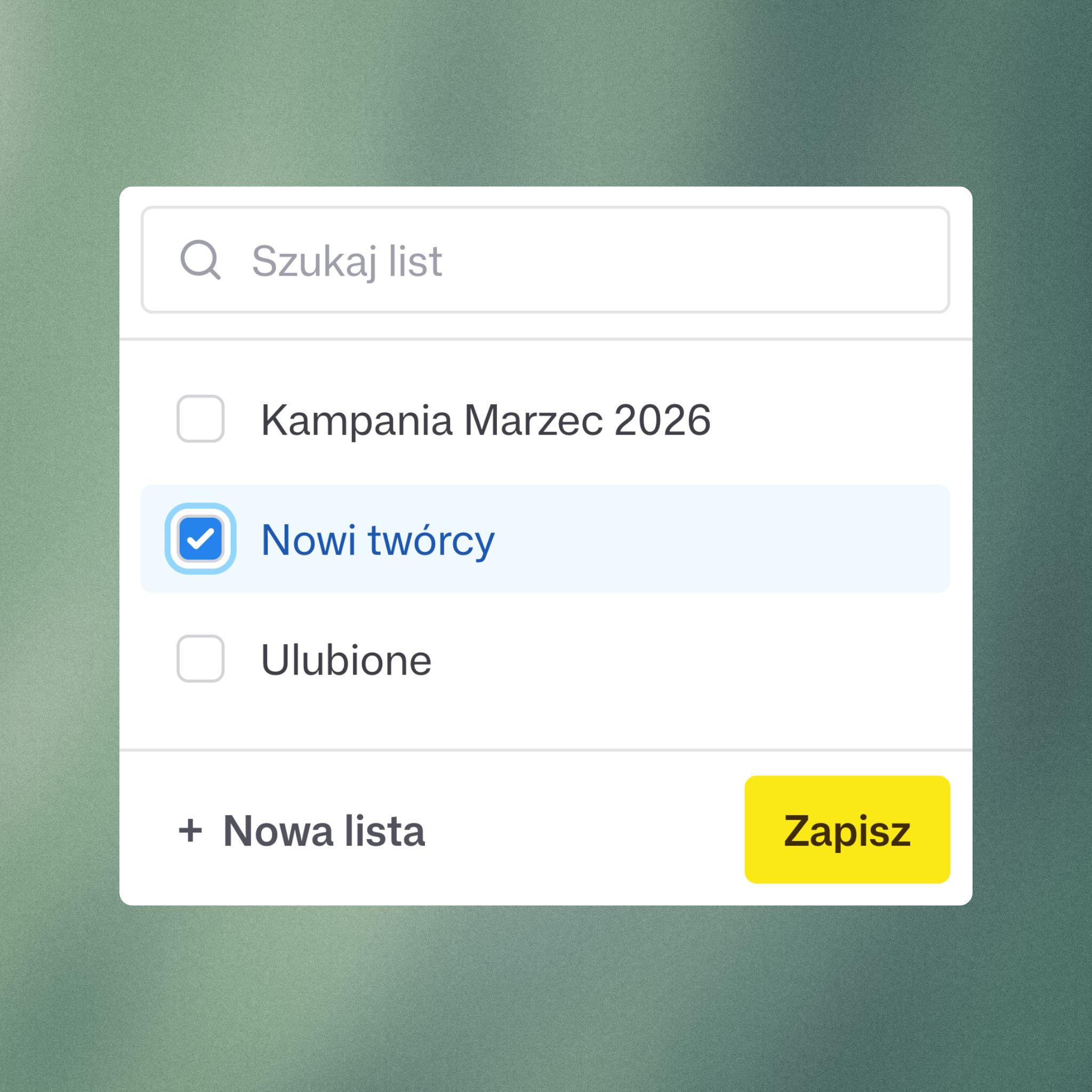
Review profiles with your team
Start free trialCampaign selection
Compare a creator’s content with the brief before adding them to your campaign list.
Content ideas
Review a creator’s posts. Check whether the topics and style fit your campaign.
Team reviews
Save decisions on profiles. Your team can see who fits, who needs another look, and who was ruled out.
Check more than the follower count
Review a creator’s posts and stats. Compare them with your brief and save your decision on the profile.
- Open a profile from the results
- Check post topics and style
- Save a decision as you review

Frequently asked questions
How do I open a creator profile?
Select a creator in the search results to open their profile.
What should I look for when reviewing a creator?
Check topics, posting style, and stats. Compare them with the requirements in your brief.
Can I keep track of my decisions?
Yes. Mark creators as a fit, maybe, or pass. You can return to those decisions later.
What do I do after choosing a creator?
Add the creator to a campaign list and review the profile with your team.
Review creators for your campaign
Save your chosen profiles and review them with your team
14-day free trial · No credit card required